Free on Android
Clear Sound, Clean Speakers
Phone sounding muffled after a splash? Speaker Cleaner plays tuned audio tones designed to help dislodge trapped water and loose dust, then tests each speaker so you can hear the difference for yourself.
No account. No personal profile. Worth trying before a repair shop.
What the app does
Six ways to move air through your speaker
Every mode does the same basic thing in a different way: it drives the speaker so the diaphragm moves, which can help push water out of the grille and shake loose dust free.
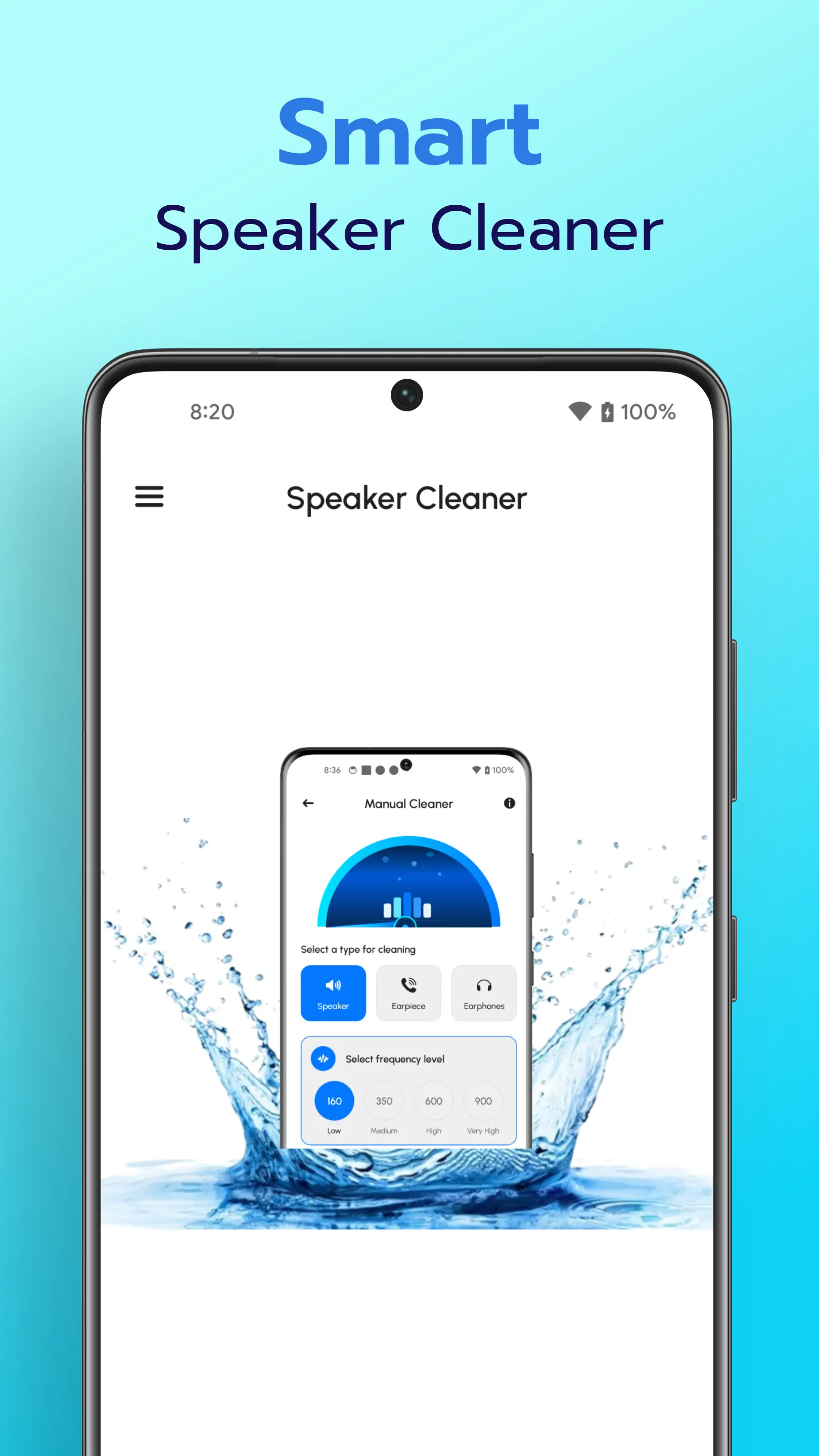
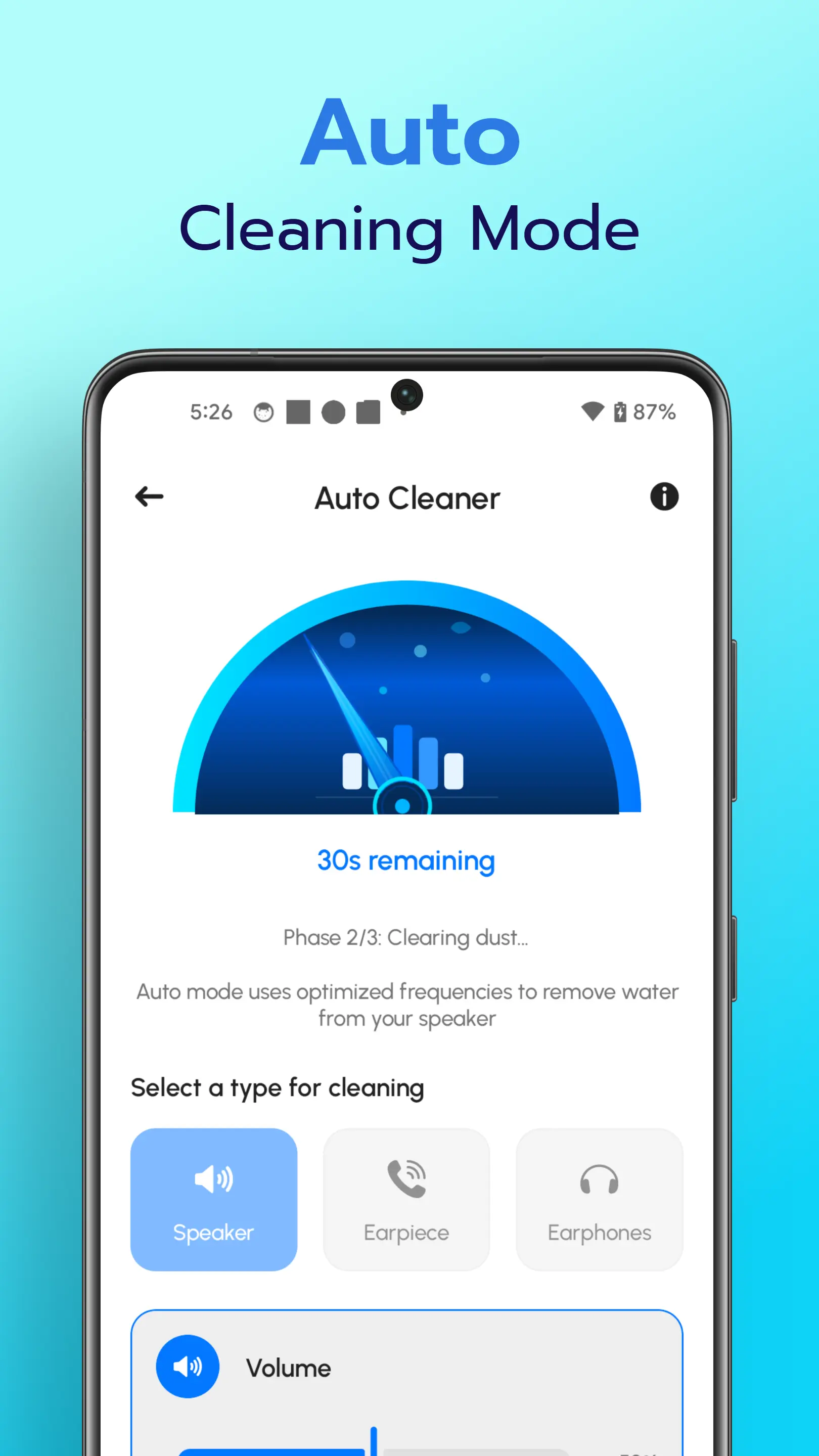
Auto Cleaner
Pick the output, tap start, and the app runs a calibrated frequency sweep in three phases. Nothing to configure — useful when the phone has just come out of the rain.
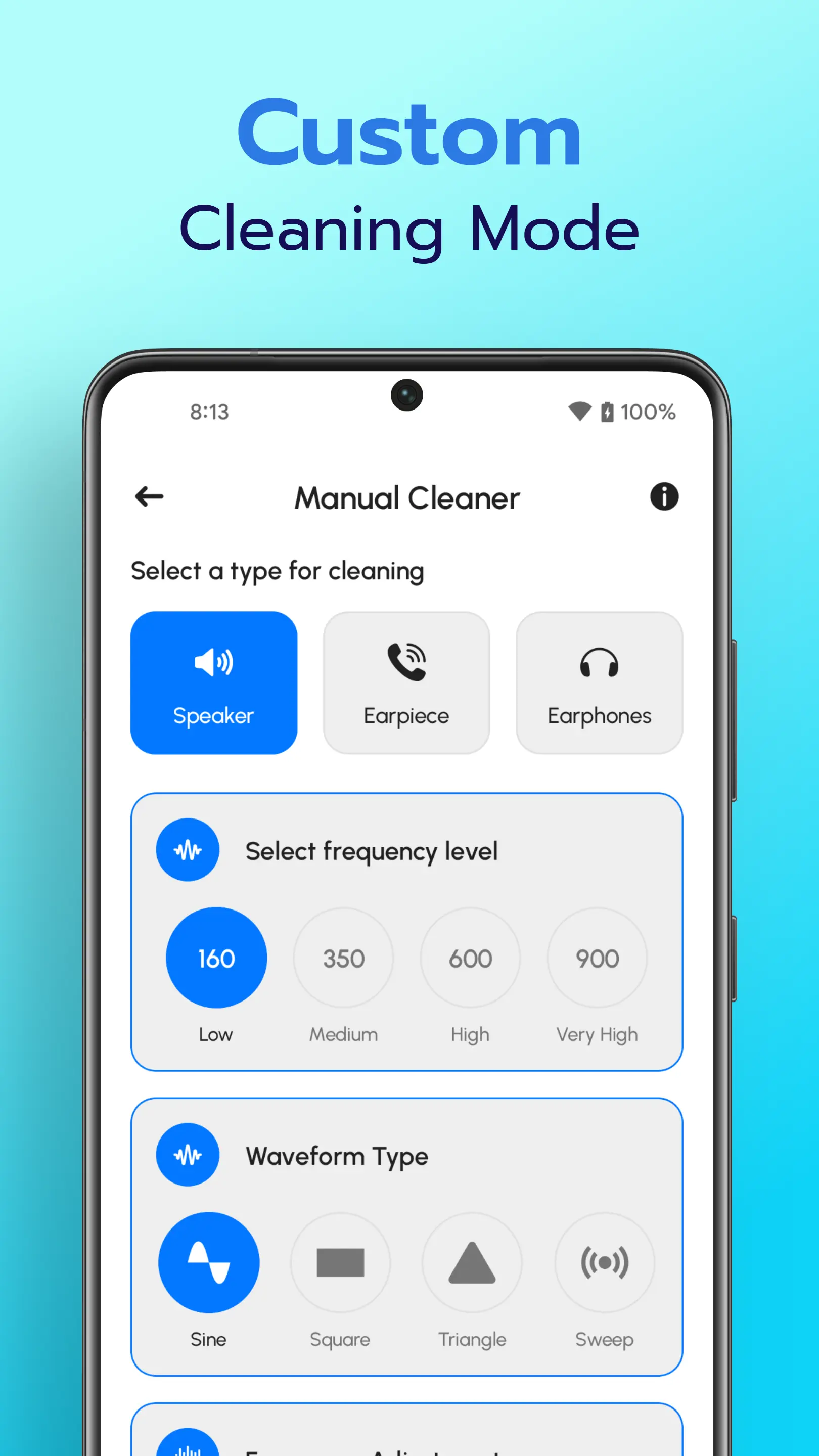
Manual Cleaner
Choose the tone yourself. Frequency from 10 Hz to 20 kHz, sine, square, triangle or sweep waveforms, adjustable volume, and sessions from 15 to 120 seconds.
Vibration Cleaner
Drives the phone's vibration motor instead of the speaker, to shake droplets out of openings that are too tight for airflow alone. Many users run it as a second pass.
Speaker Test
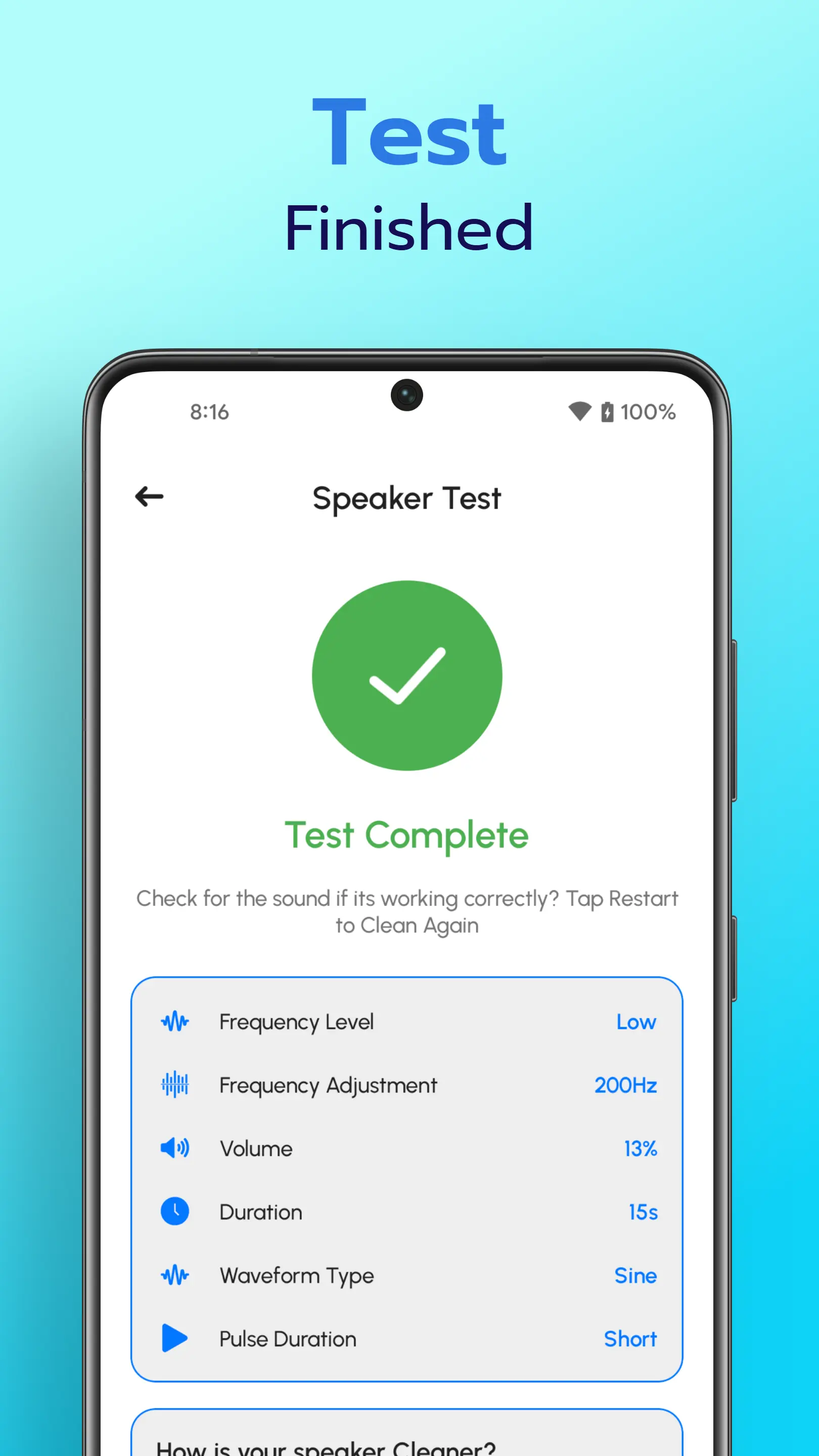
Plays a test tone through the output you select and reports back the frequency, volume and duration it used, so you can compare how things sounded before and after.
Earpiece, headset and earphone modes
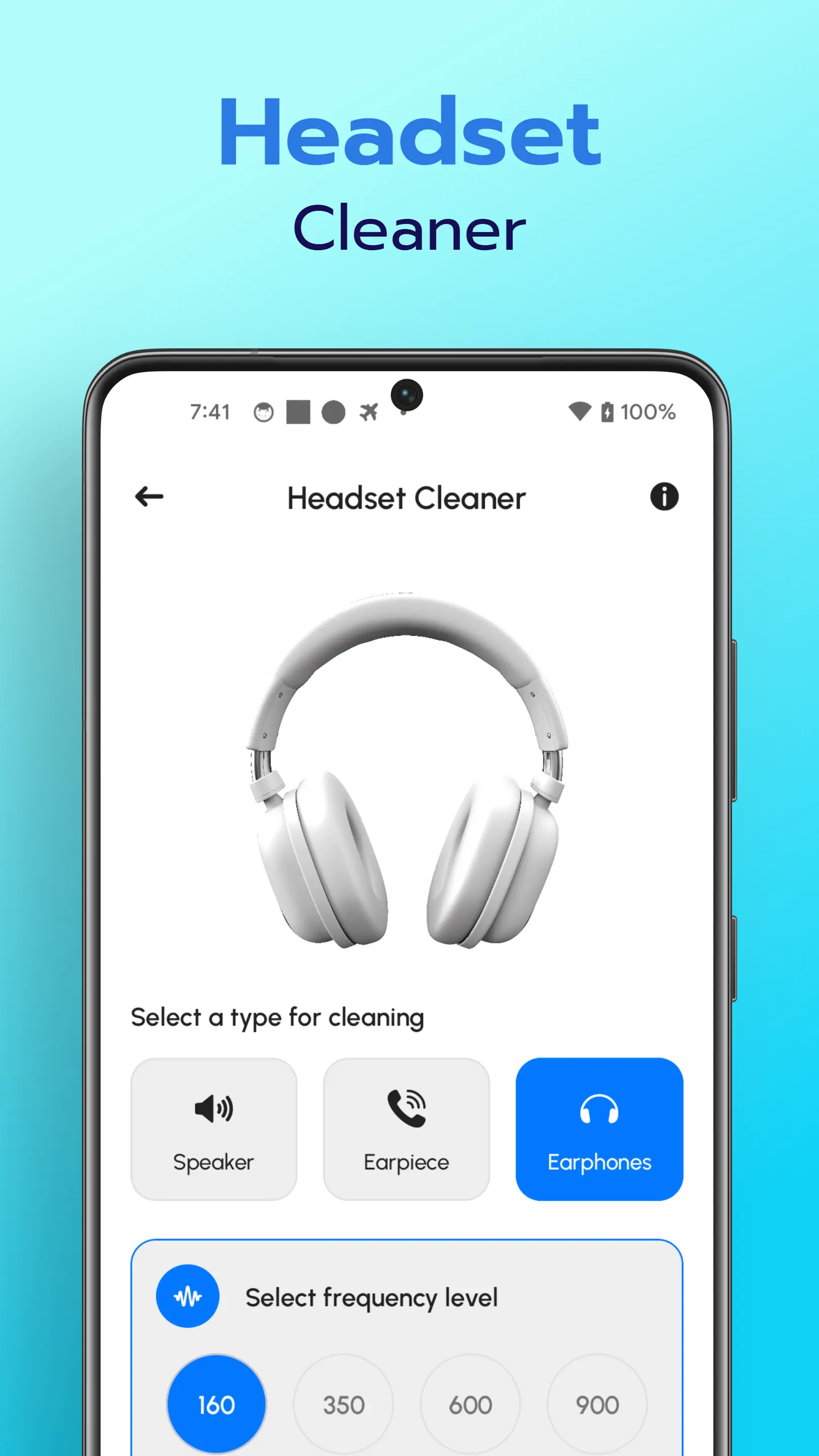
Route the tone to the part that actually sounds wrong — the bottom speaker, the earpiece you hold to your ear on calls, or wired and Bluetooth headphones.
Cleaning history
Every session is saved with its date, mode, frequency and duration, so you can see what you already tried. You can also mark a speaker as recently exposed to water — that is a note you set yourself, not something the app senses.
How it works
Three steps, about a minute
Pick a mode and an output
Auto, Manual or Vibration — then tell the app whether to use the bottom speaker, the earpiece, or connected earphones.
Play the tone
Set the volume somewhere comfortable and start. Low-frequency tones move the diaphragm the most, which is what can help push water out of the grille.
Test and repeat if needed
Run the speaker test and listen. Still dull? Let the phone sit face-down for a few minutes and try one more short session.
Read the longer explanation, including what each mode is for
Screenshots
See it in action
Download
Try it on your phone
Speaker Cleaner is free on Google Play. Play a tone, run the speaker test, and hear whether it made a difference.
Get it on Google PlayAndroid 7.0 and up. Free to download, with an optional paid tier that removes ads.